Crafting an Efficient QR Code Generation Solution on the Server Side with Docker
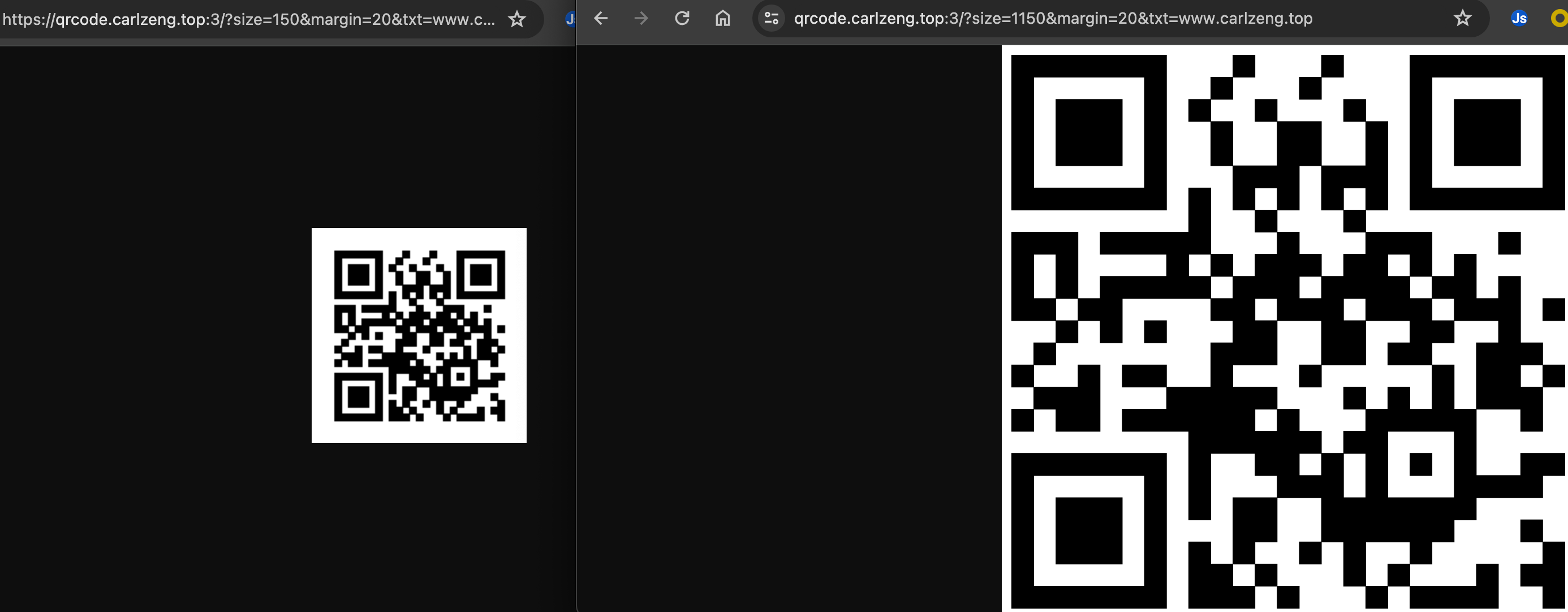
Utility
This post elucidates a method for crafting QR codes on the server side utilizing Docker.
You can readily employ the QR code generation service I have established.
Implementation
Utilize the URL: https://c.carlzeng.com:4443/qrcode?size=150&margin=20&txt=www.carlzeng.com
Alternatively, use https://qrcode.carlzeng.com:3/?size=150&margin=20&txt=www.carlzeng.com
Explanation of Parameters:
- size: Size of the QR code image, in pixels.
- margin: Size of the white border, in pixels.
- txt: Text embedded within the QR code.
Related Content
Implementation Steps
- docker-compose.yml
1 | version: "3.6" |
For detailed content of nginx.conf, please refer to GitHub:
- Once successfully launched locally, utilize npm to reverse proxy and convert it into an HTTPS service:
Source
Creating High-Performance QR Code Services with Docker and Nginx (Part 2)
Building Nginx Blocks with Docker: Rapid Implementation of High-Performance QR Code Services